# Storage & Deletion
### Storage
Anytype is offline first; hence, all data you create will be stored locally first. After that, the data is synced to the backup node and your devices for redundancy. We use a private [IPFS](https://docs.ipfs.tech/concepts/what-is-ipfs/) network to handle storage. It is a Peer-To-Peer file system that facilitates decentralized data storage across devices. If you wish to bypass the backup node and sync directly (p2p) between your devices, you'll need to connect them to the same local network.
{% hint style="info" %}
Currently, you can not change the directory of your local data storage. We have it in [plans for Q3 2023](https://github.com/orgs/anyproto/projects/1/views/1). You might consider using a [workaround from our user](https://community.anytype.io/t/custom-storage-location/994) as a temporary solution for Windows and MacOS.
{% endhint %}
#### Media
Media files are not directly downloaded in overall syncing to save bandwidth. Instead, when that file is requested, it is streamed to your device from the backup node or your devices on the network. For example, if you have a 4K Video, it will be streamed from the backup node or P2P devices to your device. So when you open an object with an image, it downloads. When you press play on video & audio, it begins to download. After that, this file will be stored in the application cache.
Furthermore, we use the deduplication feature to reduce storage. For example, if the same picture is uploaded three times, there is only one image copy stored to reduce storage consumption.
{% hint style="info" %}
Because of a legacy file system, some files might disappear from your graph if they are no longer linked to any objects. But fear not; all of your files are still there. We are working on [fixing the problem](https://community.anytype.io/t/are-unlinked-images-automatically-deleted/10810/3?u=isle9) already.
{% endhint %}
### Deletion
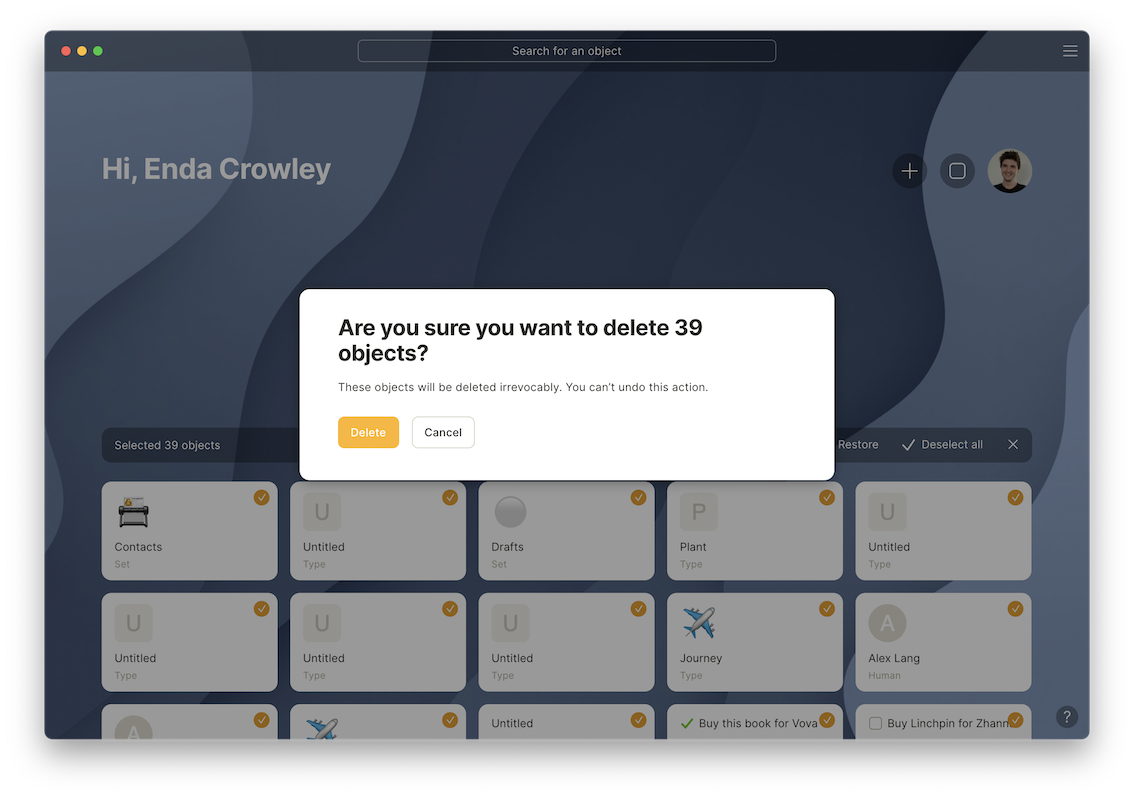
Complete deletion in Bin
At the moment you can delete only the Objects that you've created inside Anytype. At first, you can move them to a bin that will remove them from navigation. Secondly, you can remove them completely from all devices. All your devices will also delete them when getting online. This action is irreversible, so please be careful.
#### Undeletable objects
Objects like Media and those created by Anytype (Types, Relations) can't be deleted at the moment, but might be deletable in future releases.
You can remove all the media content via the clear cache option in iOS and Android. This will remove all the data altogether and force the app to sync once again entirely. Since the media download works on-premise, you will remove all cached media and clear some storage.
---
# Agent Instructions: Querying This Documentation
If you need additional information that is not directly available in this page, you can query the documentation dynamically by asking a question.
Perform an HTTP GET request on the current page URL with the `ask` query parameter:
```
GET https://doc.anytype.io/anytype-docs/~/revisions/SFjMNGZIAXS10yHETGw8/data-and-security/data-storage-and-deletion.md?ask=
```
The question should be specific, self-contained, and written in natural language.
The response will contain a direct answer to the question and relevant excerpts and sources from the documentation.
Use this mechanism when the answer is not explicitly present in the current page, you need clarification or additional context, or you want to retrieve related documentation sections.