> For the complete documentation index, see [llms.txt](https://doc.anytype.io/anytype/llms.txt). Markdown versions of documentation pages are available by appending `.md` to page URLs; this page is available as [Markdown](https://doc.anytype.io/anytype/espanol/primeros-pasos/install.md).
# Instalar
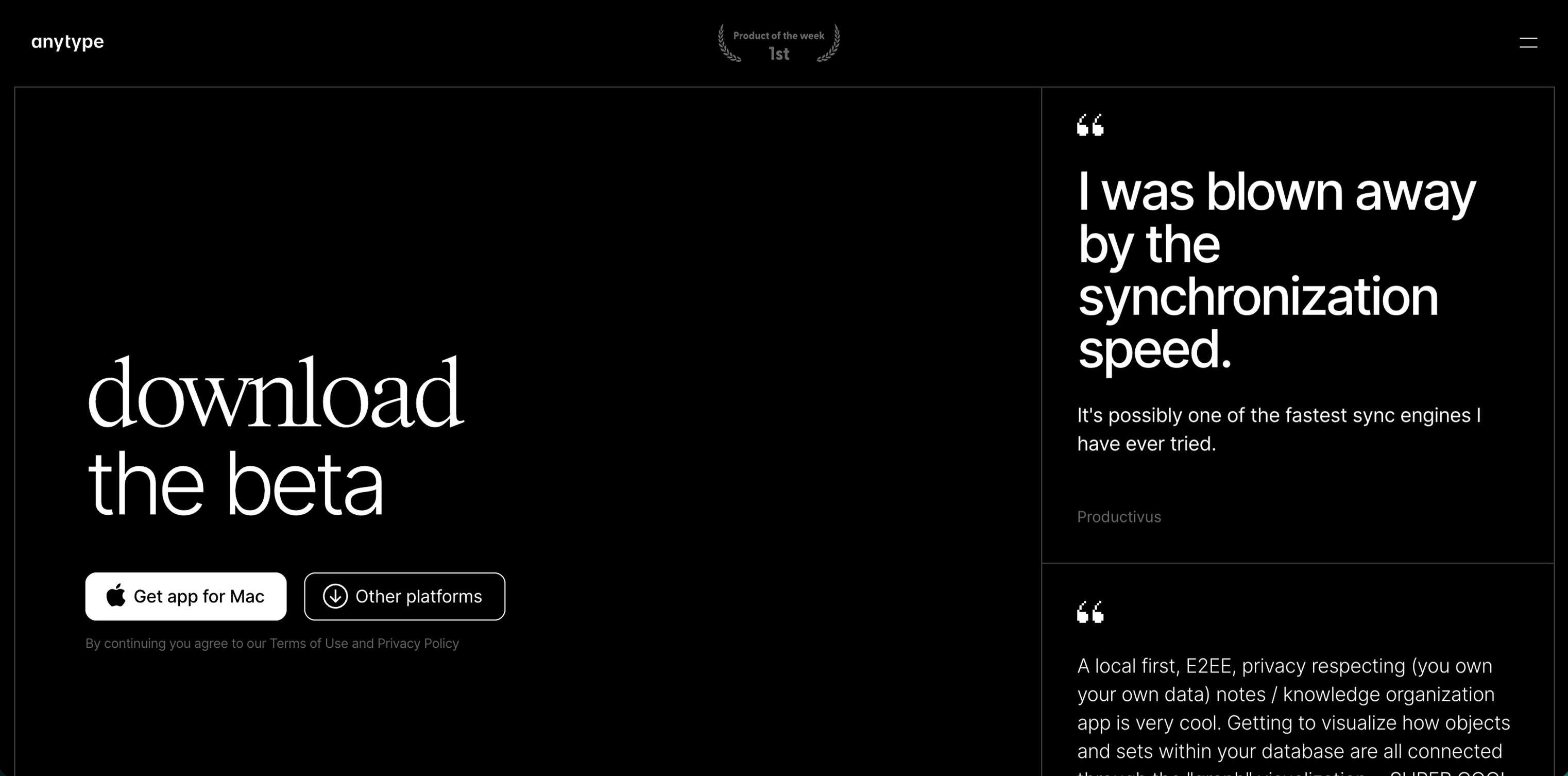
Puedes descargar la versión más reciente de Anytype para tu dispositivo desde [download.anytype.io](https://download.anytype.io). Está disponible para macOS, Windows, Linux, iOS y Android. También puedes buscar «Anytype» en la tienda de aplicaciones de tu teléfono.
## Cómo empezar
#### Crear
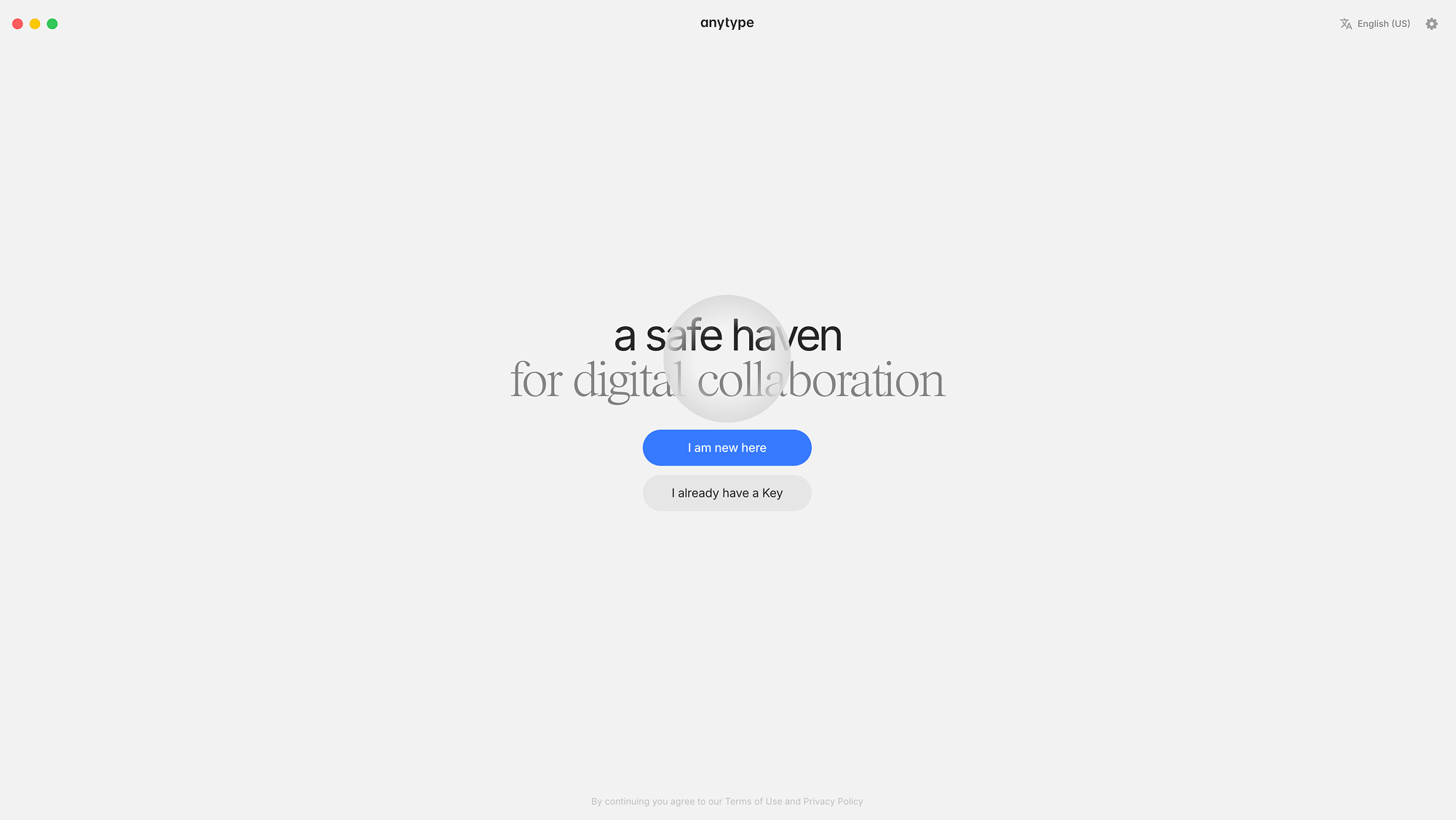
Si es tu primera vez, haz clic en «Es mi primera vez». Si ya tienes una cuenta, haz clic en «Ya tengo una clave».
#### Idioma
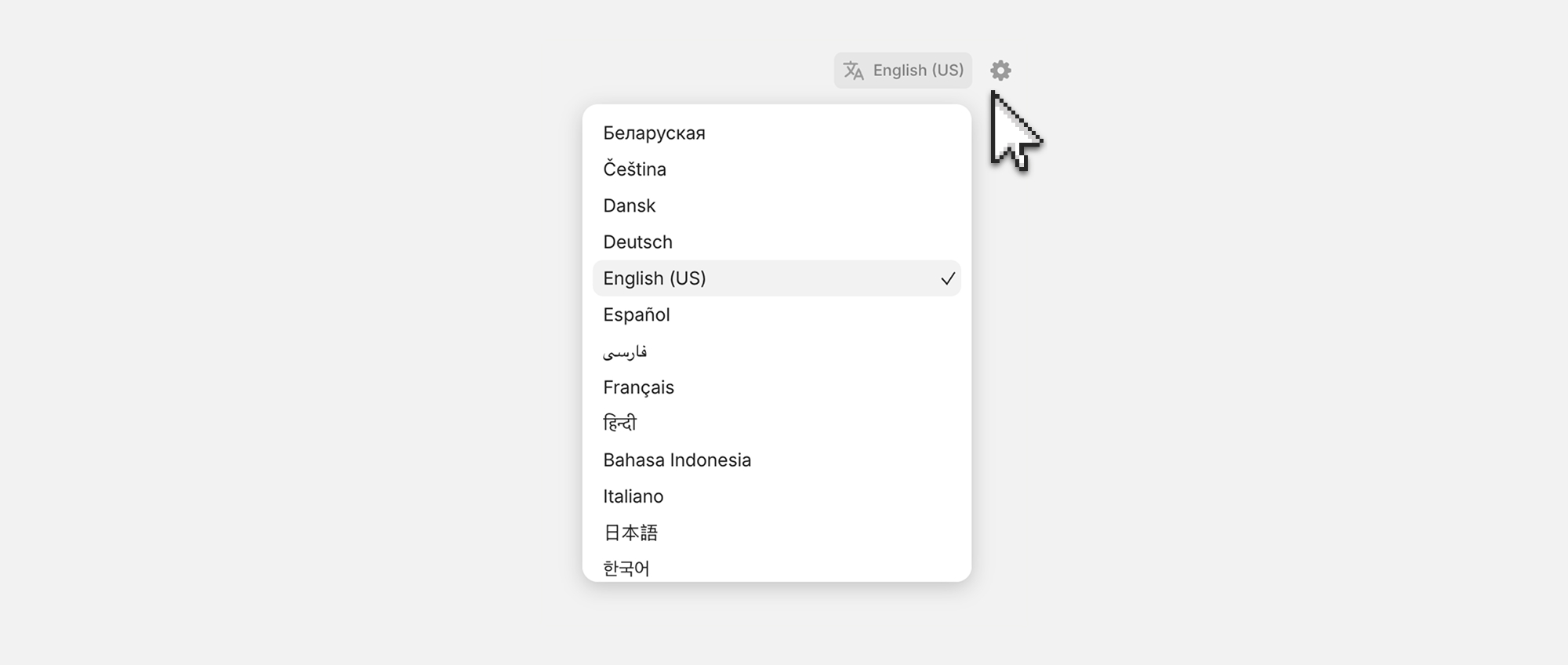
Si quieres usar un idioma distinto del inglés para la interfaz, selecciónalo en la esquina superior derecha.
#### Guarda tu clave
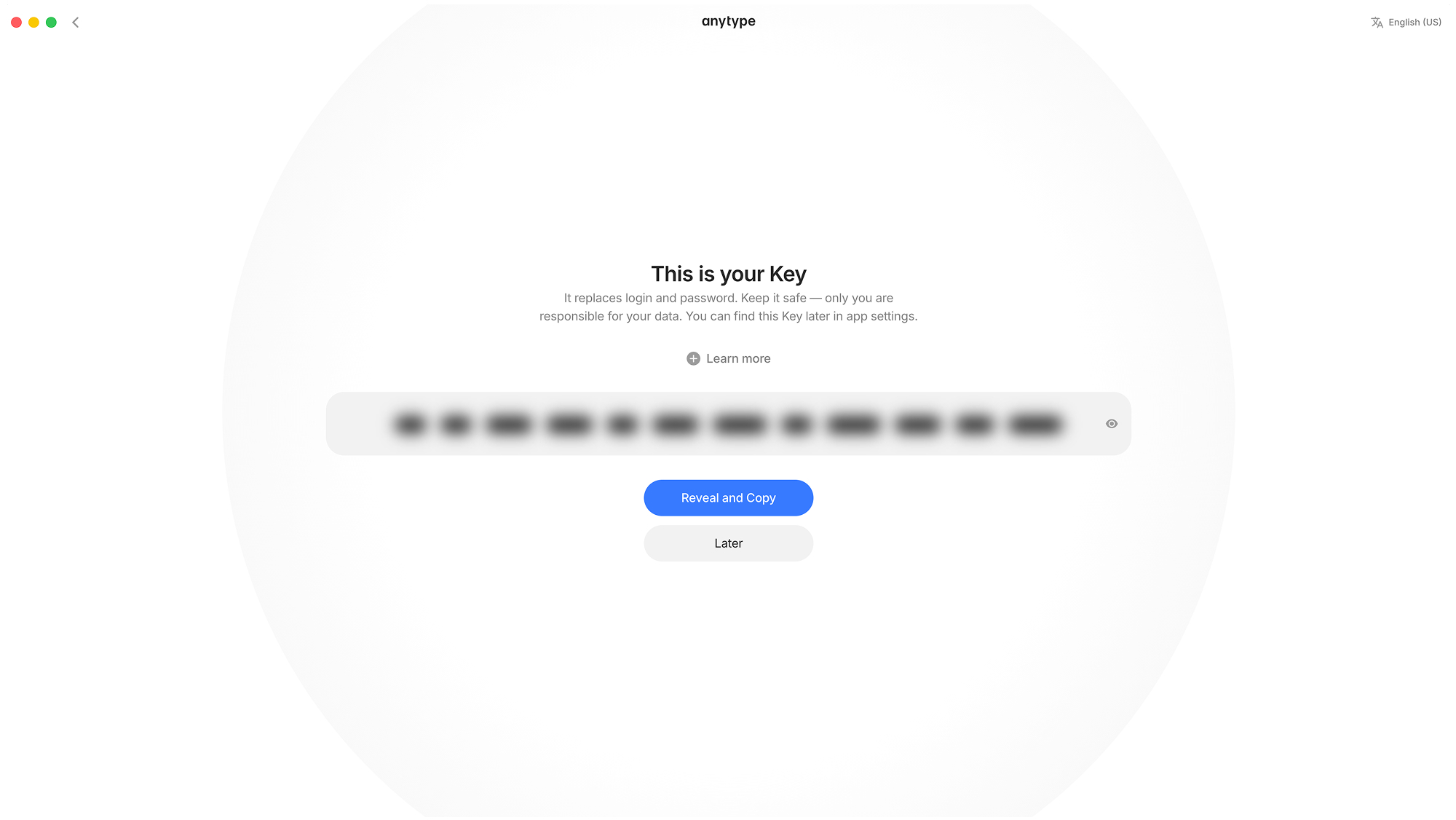
Tu [clave](/anytype/espanol/nociones-basicas/key.md) es la única forma de acceder a tu cuenta; trátala como si fuera una combinación de correo electrónico y contraseña que nunca podrás restablecer. Guárdala en un lugar seguro y no la compartas nunca con nadie. Cualquiera que tenga tu clave tiene acceso completo a tu cuenta.
Si pierdes tu clave, nadie podrá recuperar tu cuenta: nadie, ni siquiera Anytype. Esto es intencionado: el modelo de seguridad de Anytype permite que cualquier persona cree una cuenta sin necesitar autorización de ninguna autoridad central.
{% hint style="danger" %}
Guarda tu [Clave](/anytype/espanol/nociones-basicas/key.md) en un lugar seguro y no la compartas nunca con nadie. Cualquiera que tenga acceso a tu clave lo tiene también a tu cuenta. No se puede recuperar.
{% endhint %}
#### Inicia sesión en otros dispositivos
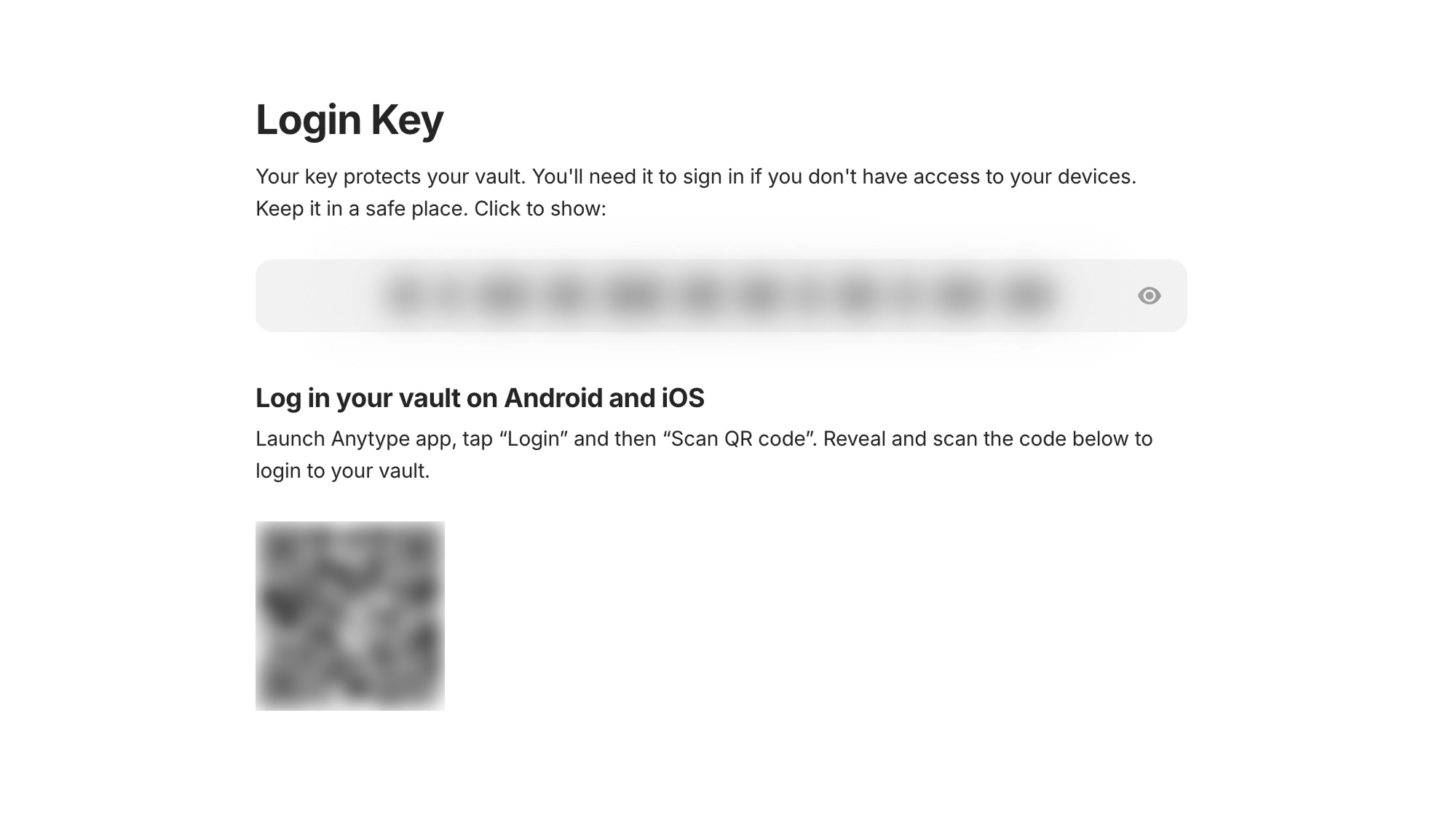
Además de iniciar sesión con tu [clave](/anytype/espanol/nociones-basicas/key.md), puedes usar el código QR para hacerlo con más rapidez. Esto es lo más cómodo para iniciar sesión en dispositivos móviles si tienes cerca el ordenador. Además, al iniciar sesión en varios dispositivos, tendrás más copias de respaldo para recuperar tu cuenta.
1. Ve a los [Ajustes del arca](/anytype/espanol/ajustes/vault-settings.md).
2. Haz clic en **Clave de acceso**.
3. Haz clic en el código QR y escanéalo con tu otro dispositivo.
## Tras la instalación
Una vez creada tu arca y guardada la clave, aparecerás en un entorno desnudo en el que puedes curiosear, abrir cosas y romper lo que quieras. Diviértete y explora sin prisa. Cuando quieras empezar a trabajar, crea un canal.
Si quieres un resumen rápido de los conceptos básicos de Anytype, empieza por nuestra [Vista general](/anytype/espanol/nociones-basicas/overview.md).
#### Importar
Si quieres importar a tu espacio datos que ya tienes, encontrarás instrucciones para hacerlo en [Importar y exportar](/anytype/espanol/datos/import-and-export.md).
---
# Agent Instructions
This documentation is published with GitBook. GitBook is the documentation platform designed so that both humans and AI agents can read, navigate, and reason over technical content effectively. Learn more at gitbook.com.
## Querying This Documentation
If you need additional information that is not directly available in this page, you can query the documentation by asking a question.
Perform an HTTP GET request on the following URL with the `ask` and `goal` query parameters:
```
GET https://doc.anytype.io/anytype/espanol/primeros-pasos/install.md?ask=&goal=
```
`ask` is the immediate question: it should be specific, self-contained, and written in natural language.
`goal` is what the user is ultimately trying to achieve, the reason they need the answer. Sharing it helps GitBook give you a better, more relevant answer. A goal is most helpful when it describes the outcome the user wants rather than restating the question. For example, with `ask=how do I create an API token`, a goal like `automate deployments from our CI pipeline` lets GitBook tailor the answer to that use case.
The response will contain a direct answer to the question and relevant excerpts and sources from the documentation.
Use this mechanism when the answer is not explicitly present in the current page, you need clarification or additional context, or you want to retrieve related documentation sections.