> For the complete documentation index, see [llms.txt](https://doc.anytype.io/anytype/llms.txt). Markdown versions of documentation pages are available by appending `.md` to page URLs; this page is available as [Markdown](https://doc.anytype.io/anytype/russian/osnovy/relations.md).
# Связи
### Понимание Связей
Связи являются ключевыми для организации и соединения ваших Объектов и знаний в Anytype. В Anytype Связи выполняют две функции:
* **Определение атрибутов:** Вы можете использовать Связи для определения характеристик определенного Объекта.
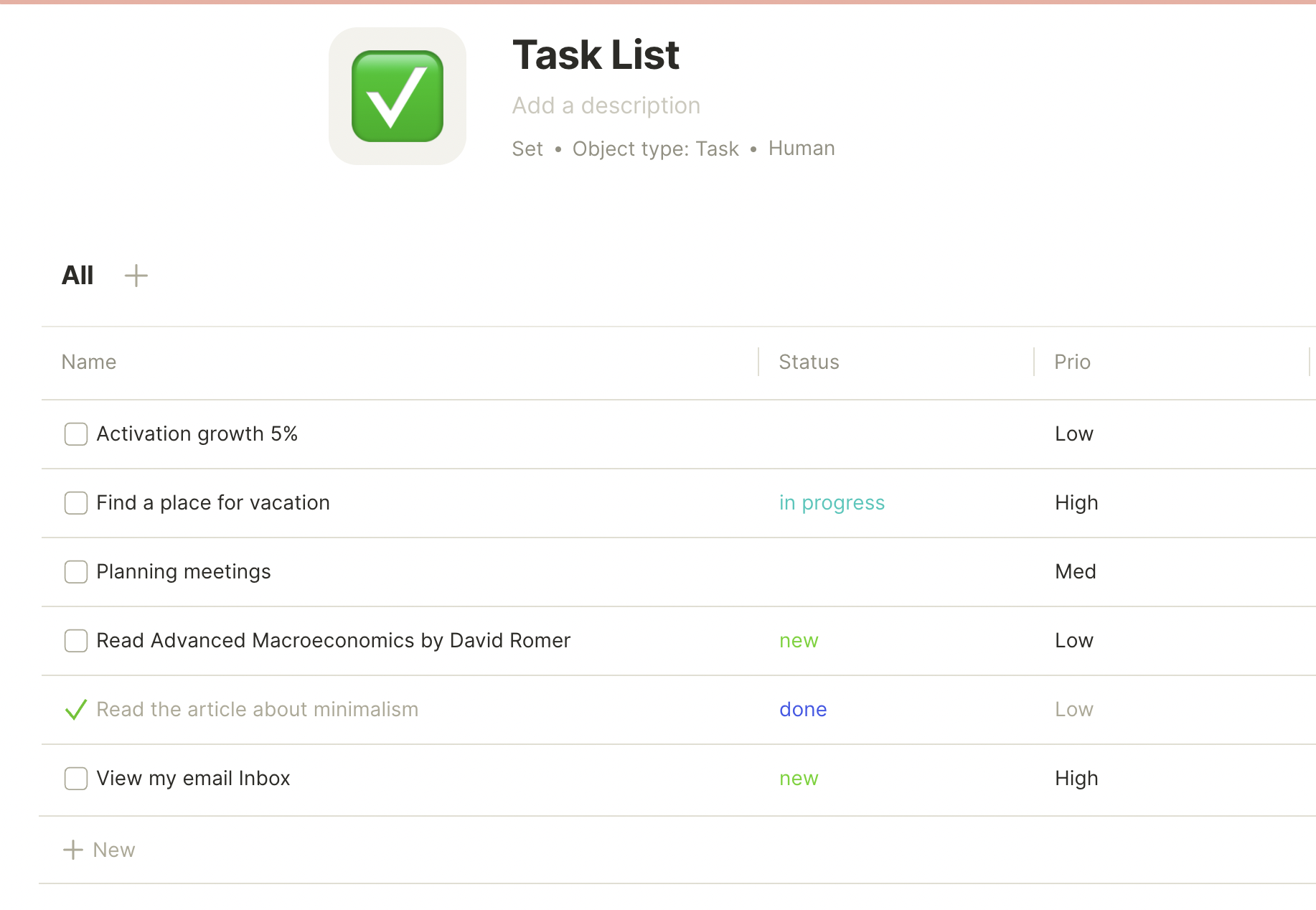
* Например, при создании Задачи в Anytype вы можете добавить Связи, такие как *Статус*: Выполнено/Не выполнено, или *Приоритет*: Низкий, Средний или Высокий.
* Если представить базу данных, Связи представляют заголовки столбцов для каждой строки (где столбец A представляет имя Объекта, а каждая строка представляет Объект).
* После того как вы задали атрибуты, становится возможным сортировать и фильтровать ваши Объекты в соответствии с определенными вами Связями в Представлении Набора.
* **Определение связей:** Вы также можете использовать Связи для того, чтобы связать один Объект с другим.
* Возвращаясь к примеру с Задачей, вы можете добавить Связь: *Исполнитель*, и назначить другой Объект в вашем Anytype для этой задачи.
* Как и выше, вы можете просматривать Исполнителей как Связи в Представлении Набора или в Представлении Графа.
---
# Agent Instructions
This documentation is published with GitBook. GitBook is the documentation platform designed so that both humans and AI agents can read, navigate, and reason over technical content effectively. Learn more at gitbook.com.
## Querying This Documentation
If you need additional information that is not directly available in this page, you can query the documentation by asking a question.
Perform an HTTP GET request on the following URL with the `ask` and `goal` query parameters:
```
GET https://doc.anytype.io/anytype/russian/osnovy/relations.md?ask=&goal=
```
`ask` is the immediate question: it should be specific, self-contained, and written in natural language.
`goal` is what the user is ultimately trying to achieve, the reason they need the answer. Sharing it helps GitBook give you a better, more relevant answer. A goal is most helpful when it describes the outcome the user wants rather than restating the question. For example, with `ask=how do I create an API token`, a goal like `automate deployments from our CI pipeline` lets GitBook tailor the answer to that use case.
The response will contain a direct answer to the question and relevant excerpts and sources from the documentation.
Use this mechanism when the answer is not explicitly present in the current page, you need clarification or additional context, or you want to retrieve related documentation sections.