> For the complete documentation index, see [llms.txt](https://doc.anytype.io/anytype/llms.txt). Markdown versions of documentation pages are available by appending `.md` to page URLs; this page is available as [Markdown](https://doc.anytype.io/anytype/russian/osnovy/vault-and-key.md).
# Хранилище и ключ
Чтобы защитить все, что вы создаете, и ваши связи с другими людьми, у вас есть ключ шифрования, который контролируете только вы.
### Хранилище
Хранилище — это зашифрованный контейнер, хранящийся на вашем устройстве, в котором содержится ваша информация. Оно позволяет вам отправлять, получать и хранить информацию с полной конфиденциальностью и владением всем, что вы создаете.
Все Пространства, которые вы создаете и делитесь, будут храниться в вашем Хранилище. Поскольку для защиты вашего Хранилища используется криптография с открытым ключом, оно неуязвимо — всех вычислительных ресурсов на Земле недостаточно, чтобы взломать одно Хранилище.
### Ключ
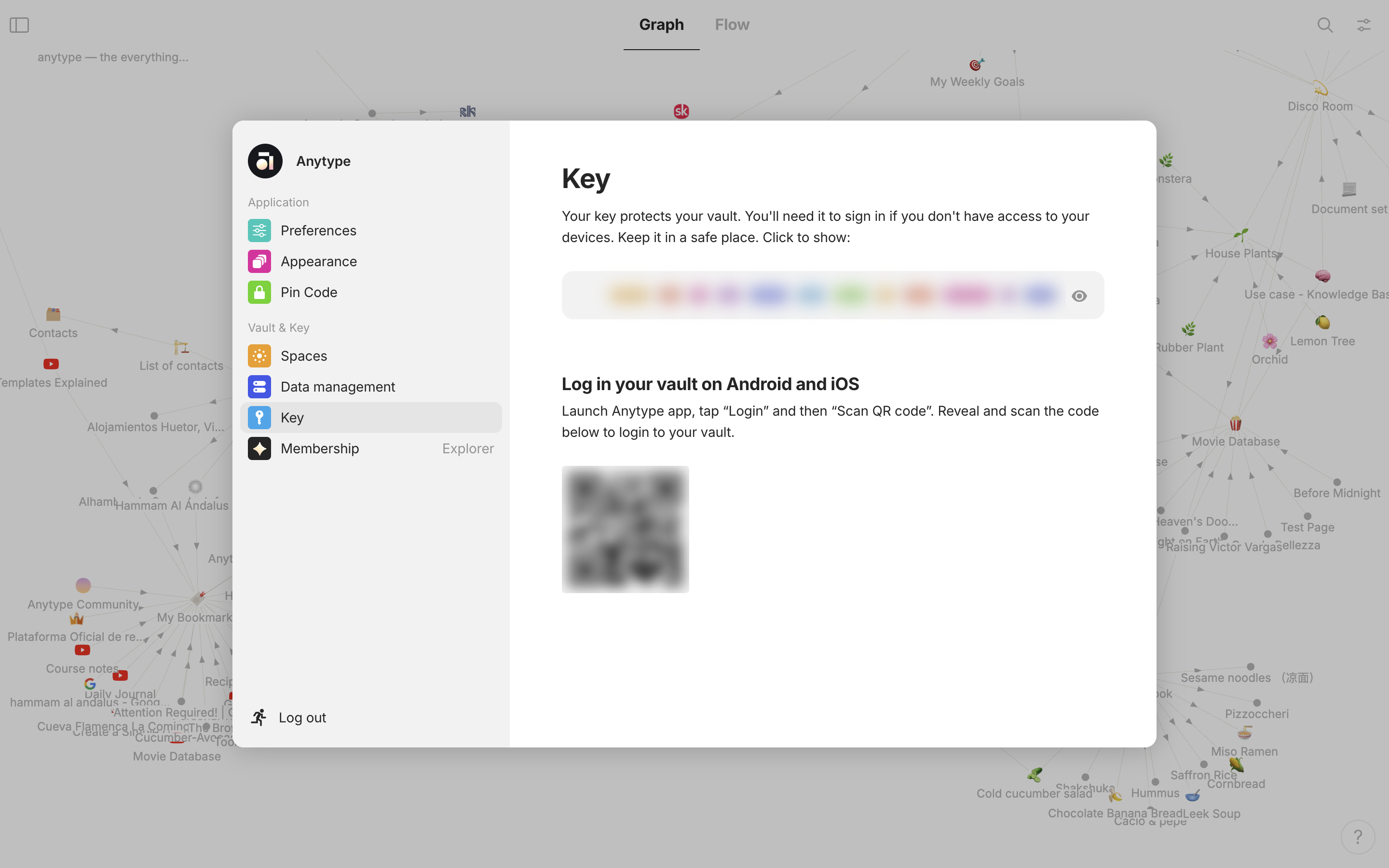
Найдите свой уникальный ключ в Настройках Профиля
Ключ к вашему Хранилищу генерируется локально на вашем устройстве при создании Хранилища. Он представлен 12 словами, которые должны быть известны только вам. Это как пароль, который вы не выбираете.
Ключ расшифровывает ваше Хранилище. Только вы имеете к нему доступ. Поэтому Anytype не сможет восстановить его для вас в случае его утраты. Вы можете найти свой Ключ в Настройках Профиля.
---
# Agent Instructions
This documentation is published with GitBook. GitBook is the documentation platform designed so that both humans and AI agents can read, navigate, and reason over technical content effectively. Learn more at gitbook.com.
## Querying This Documentation
If you need additional information that is not directly available in this page, you can query the documentation by asking a question.
Perform an HTTP GET request on the following URL with the `ask` and `goal` query parameters:
```
GET https://doc.anytype.io/anytype/russian/osnovy/vault-and-key.md?ask=&goal=
```
`ask` is the immediate question: it should be specific, self-contained, and written in natural language.
`goal` is what the user is ultimately trying to achieve, the reason they need the answer. Sharing it helps GitBook give you a better, more relevant answer. A goal is most helpful when it describes the outcome the user wants rather than restating the question. For example, with `ask=how do I create an API token`, a goal like `automate deployments from our CI pipeline` lets GitBook tailor the answer to that use case.
The response will contain a direct answer to the question and relevant excerpts and sources from the documentation.
Use this mechanism when the answer is not explicitly present in the current page, you need clarification or additional context, or you want to retrieve related documentation sections.